
Structured cabling & RJ45
Copper links, outlets, patch panels, labelling and distribution for new and existing properties.
Structured cabling, network racks, indoor and outdoor Wi‑Fi, PoE and network segmentation: we plan infrastructure around rooms, connected devices and operational needs.
Coverage assessed, networks segmented, equipment documented.
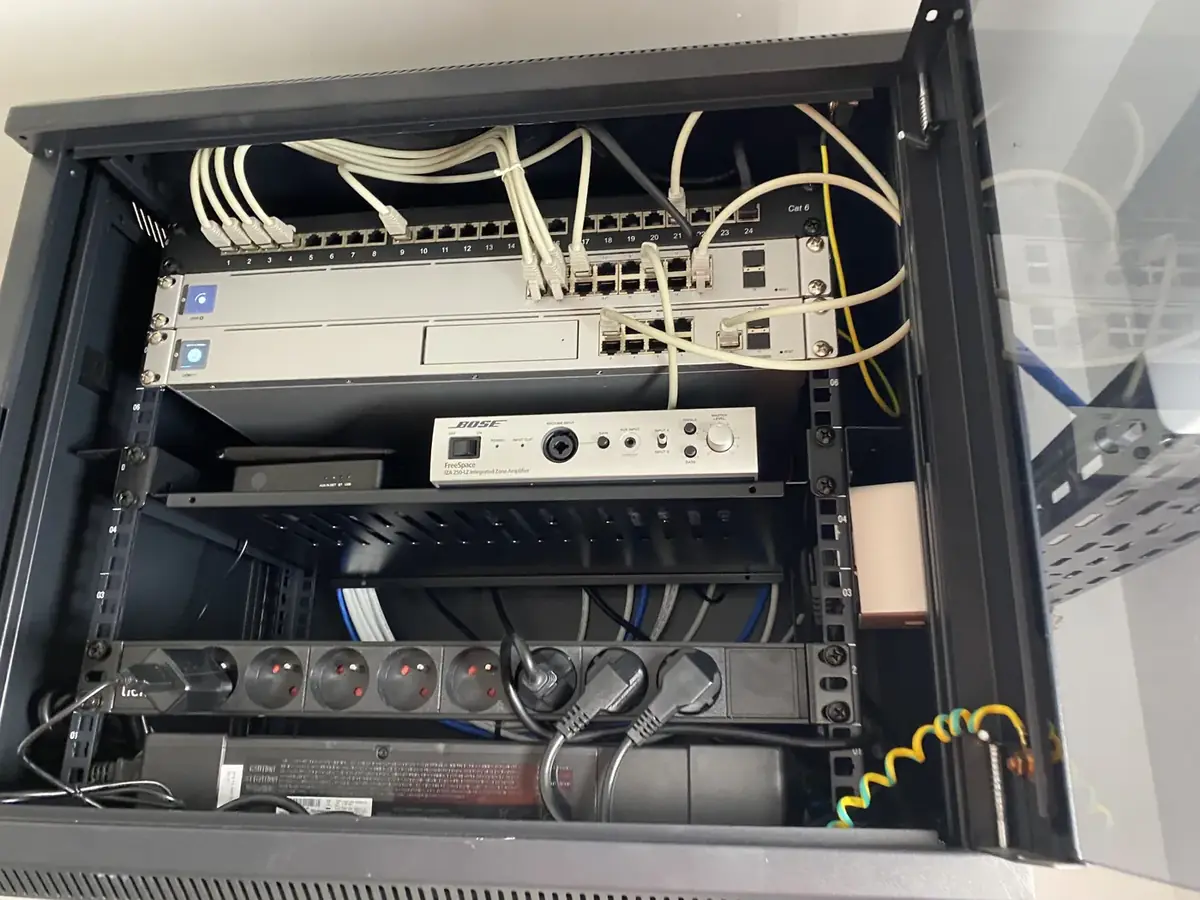
A strong wireless signal is not enough if the wired backbone, addressing or switching is unreliable. We approach connectivity from the physical infrastructure through to everyday use.
Copper links, outlets, patch panels, labelling and distribution for new and existing properties.
Access-point positioning, interior and outdoor coverage, roaming and separation of user networks.
Switches, patching, power management, PoE budgets and tidy cabinet organisation.
Network connectivity for surveillance, access control, automation, audio/video and other IP devices.
Network-attached storage, backups and power continuity options where relevant.
Investigation of poor coverage, intermittent connections, addressing conflicts and equipment faults.
We choose solutions against the realities of the building, equipment compatibility and everyday use.
Walls, distances, building materials, exterior areas and user density influence the network design.
Guest, business and equipment traffic can be separated when the architecture calls for it.
Port capacity, cable routes and equipment access are considered from the start.
A stable Wi-Fi signal is only one part of a well-designed network. The wired backbone, network separation and equipment placement are equally important.
Labelled RJ45 runs, organised network cabinets and accessible switches help with troubleshooting and future changes.
Walls, outdoor areas, interference and the number of users influence access-point placement. Increasing radio power alone rarely solves coverage issues.
Guest access, workstations, cameras and smart equipment can use separate network segments when security and operational needs justify it.
Good network design is measured in coverage, consistency, administration and how easily issues can be diagnosed.
Wi-Fi across living areas, terraces, gardens and outbuildings, with correctly planned access points.
Structured cabling, network racks, business and guest Wi-Fi, and appropriately separated equipment.
NAS, backup arrangements and remote connectivity assessed against security and continuity requirements.
Include the size of the site, coverage problems and the spaces that need connectivity.
Discuss your installationRacks, power, networking and backup should remain clear for future interventions.
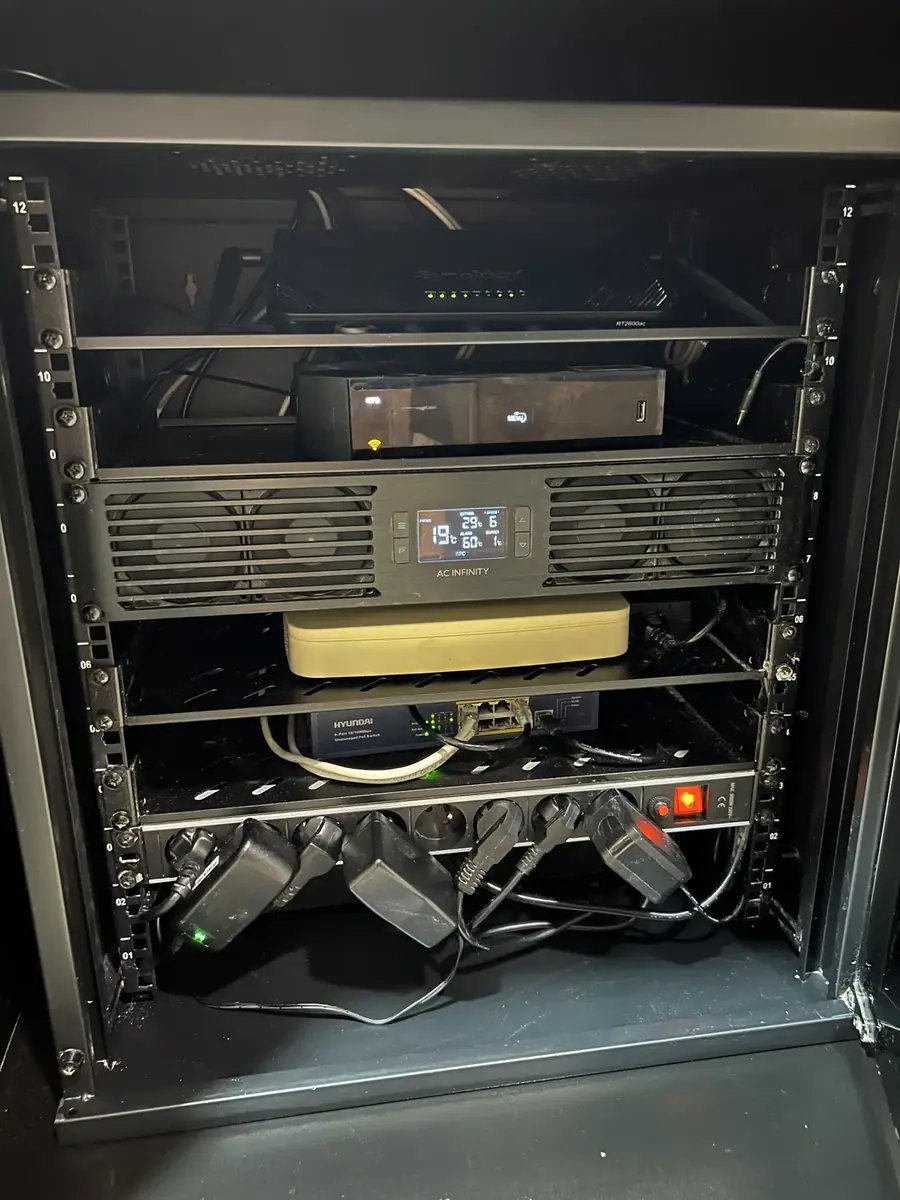
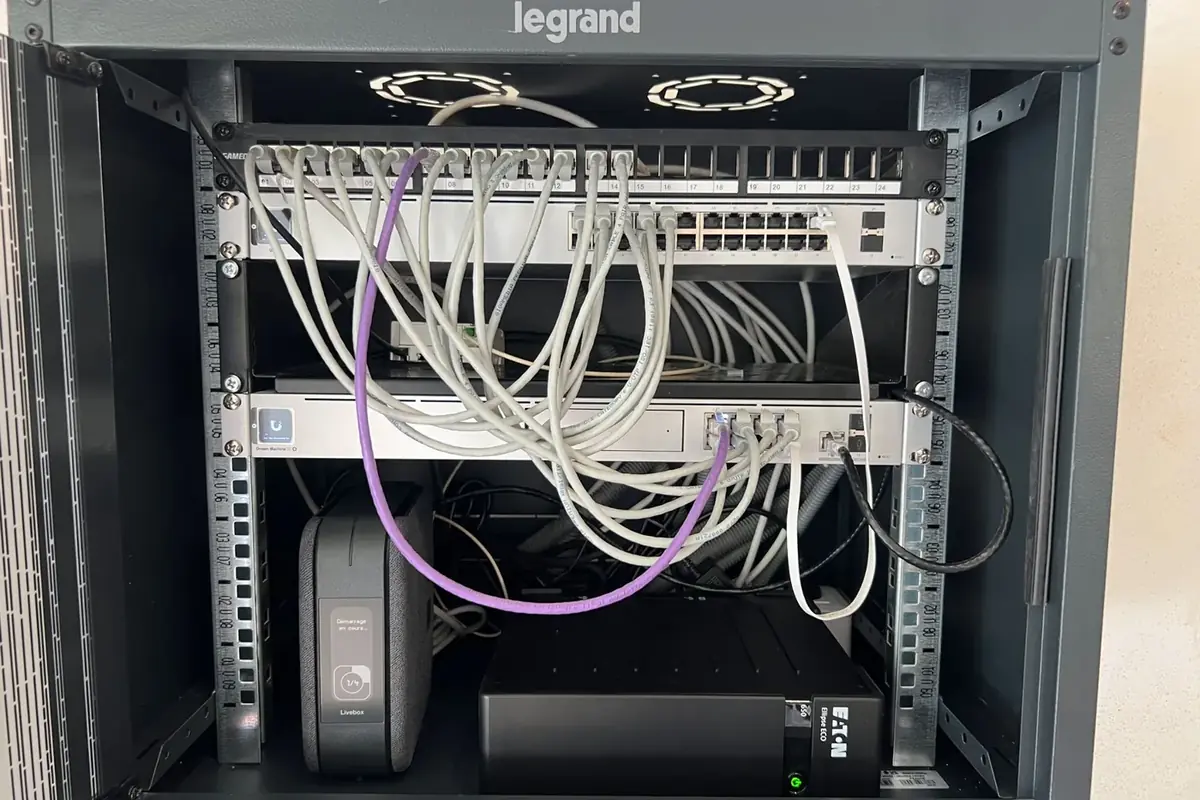
This diagram illustrates one possible approach. The actual architecture depends on the site, existing products and operational priorities.

Illustrative diagram; integrations and compatibility to be verified before deployment.
Every property is different; these answers outline the approach before a site-specific assessment.
Often. We first examine the wired network, access points, placement and configuration.
Yes, where the chosen equipment supports secure guest separation and appropriate configuration.
Yes. The switch capacity, power budget and cabling must be checked together.
We favour solutions that remain clear, manageable and adapted to the site: connected homes, hospitality, retail or professional environments.
Actual relevance always depends on the project context, interfaces and expected level of administration.
Brand names are provided for information. They may be installed, configured, upgraded or integrated depending on the project, without necessarily implying an official contractual partnership.
Tell us about the site and what you want to achieve in networks, wi-fi & it infrastructure.